SoftKarcova

Ready-to-use business apps

Software for running your business.

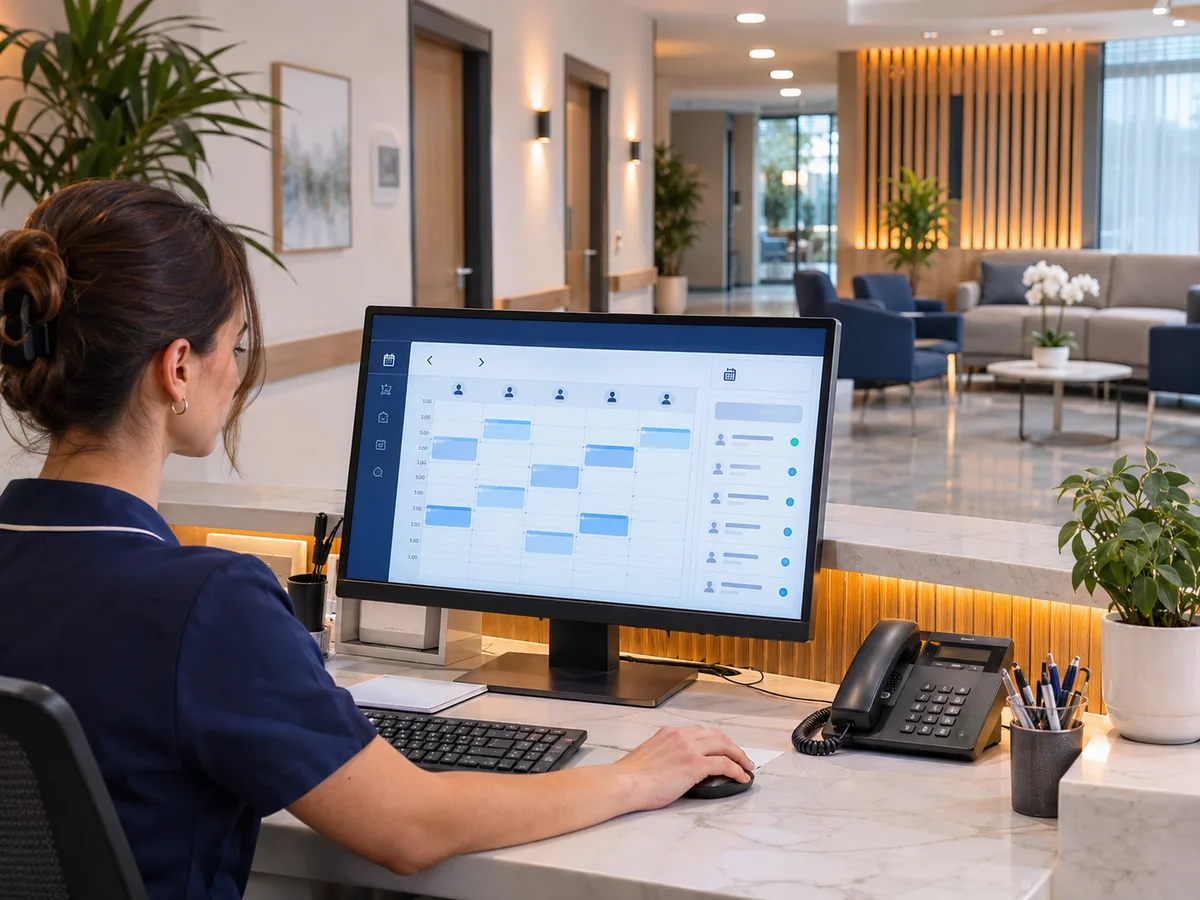
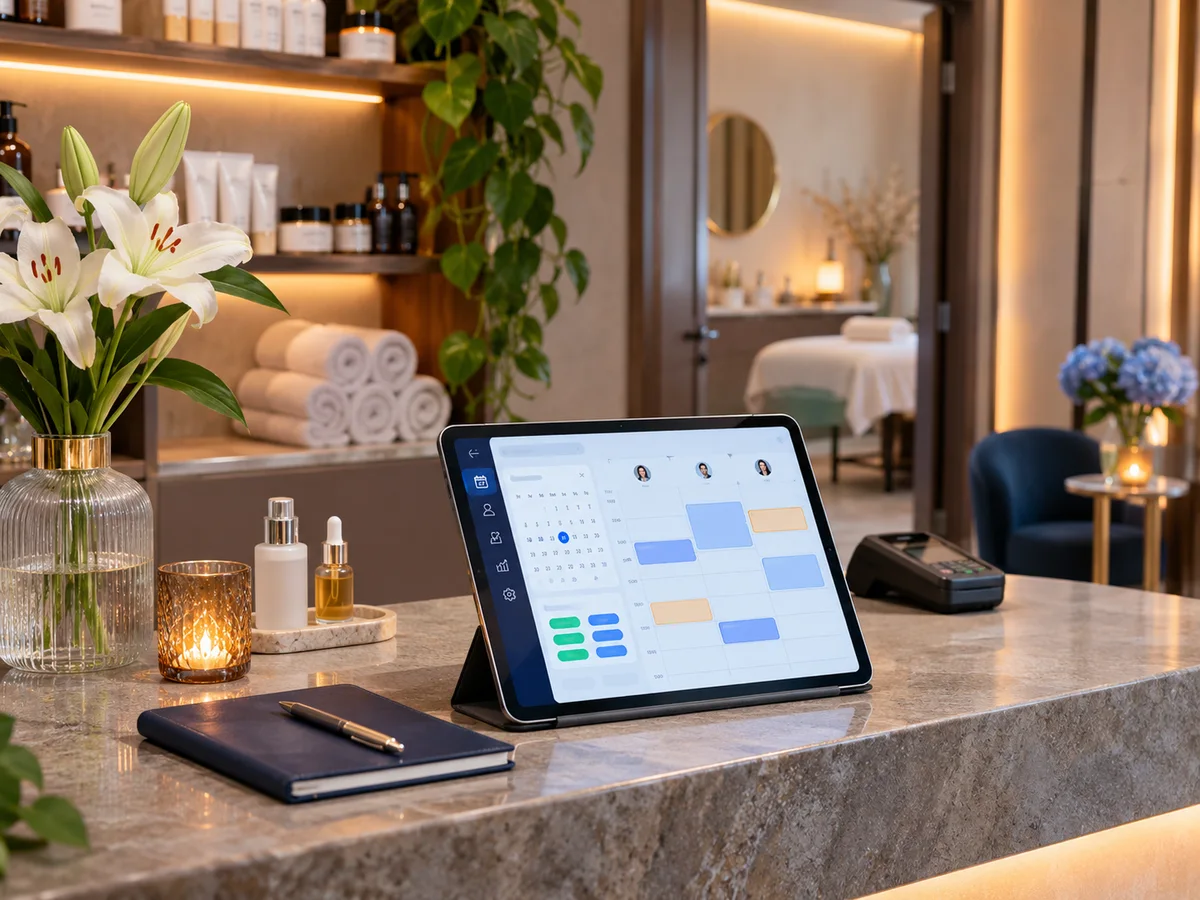
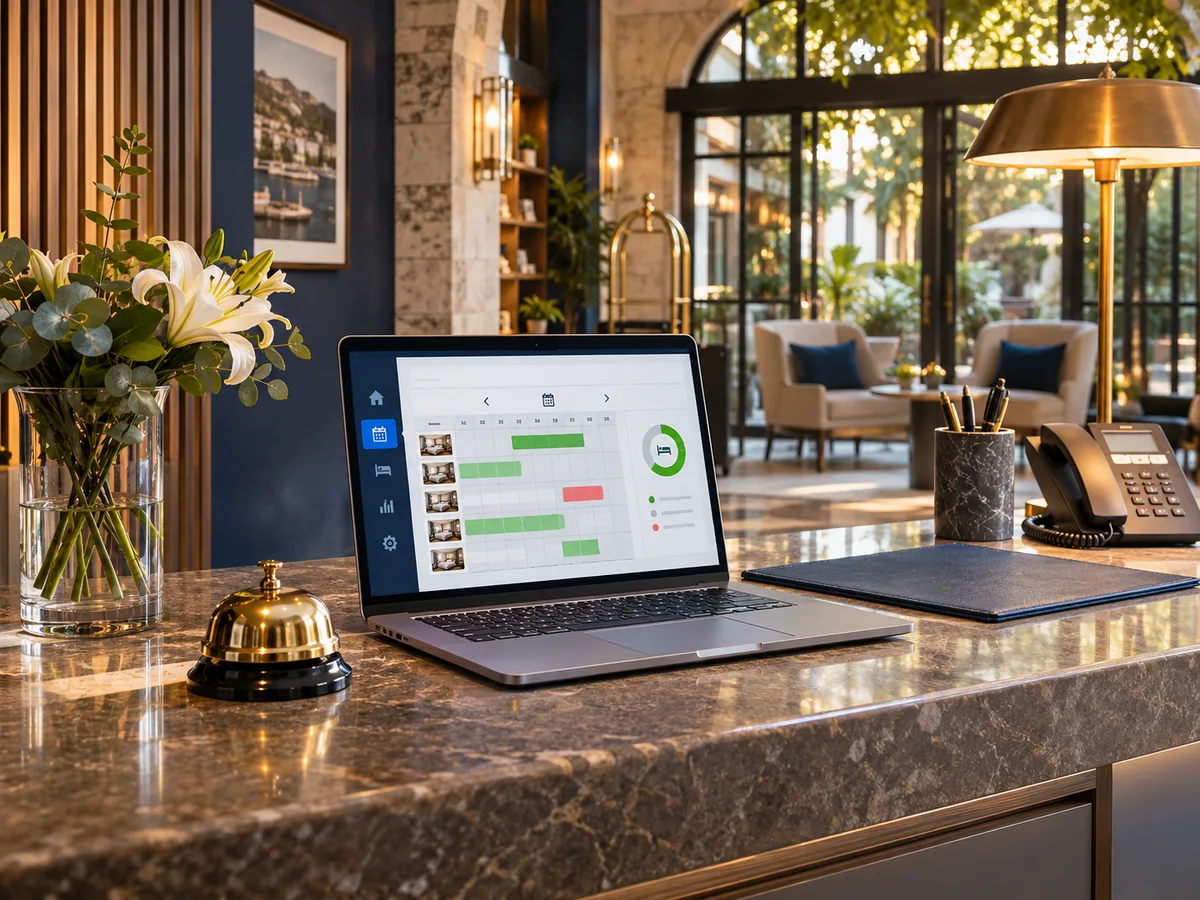
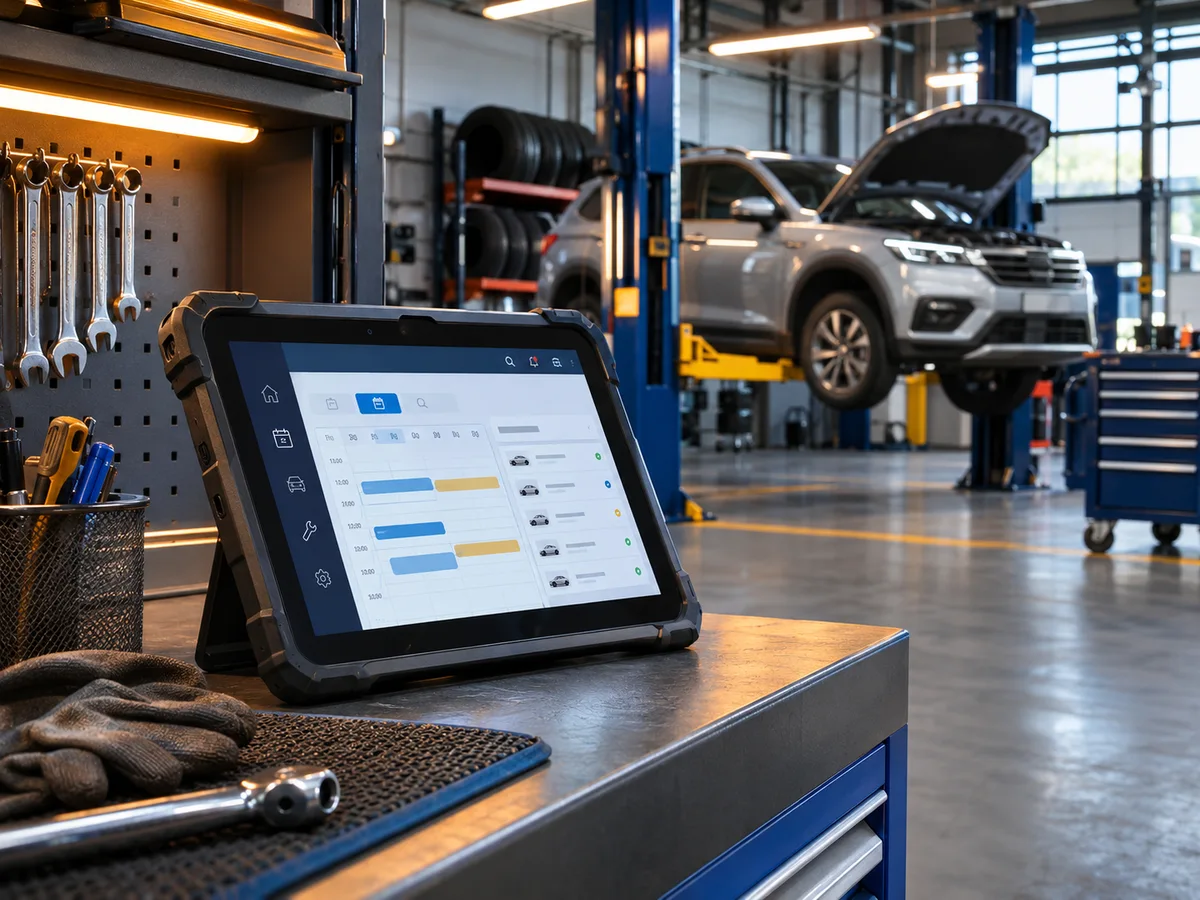
Schedule appointments, track inventory, manage your digital menu or review reports. Choose a package and open it from your account after payment is confirmed.

Industry spotlight01 / 13
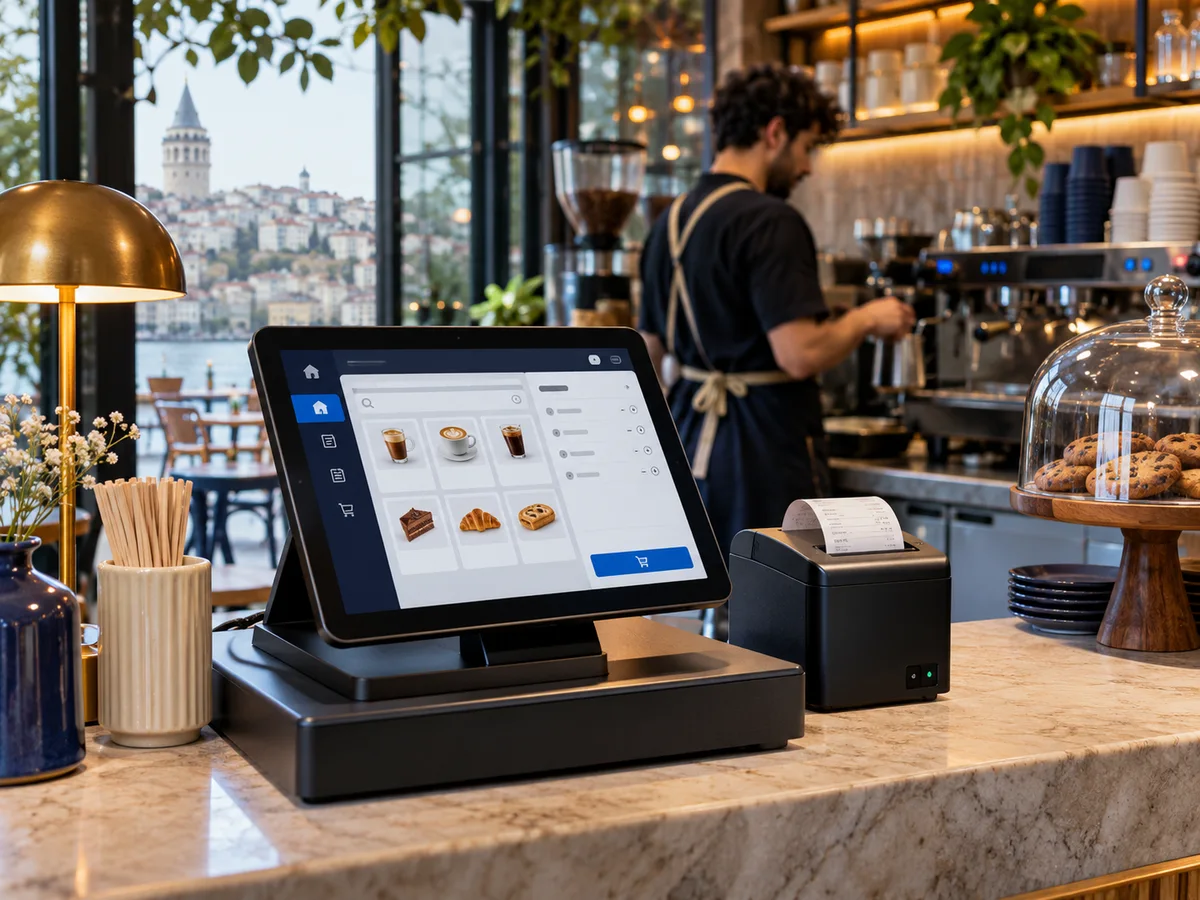
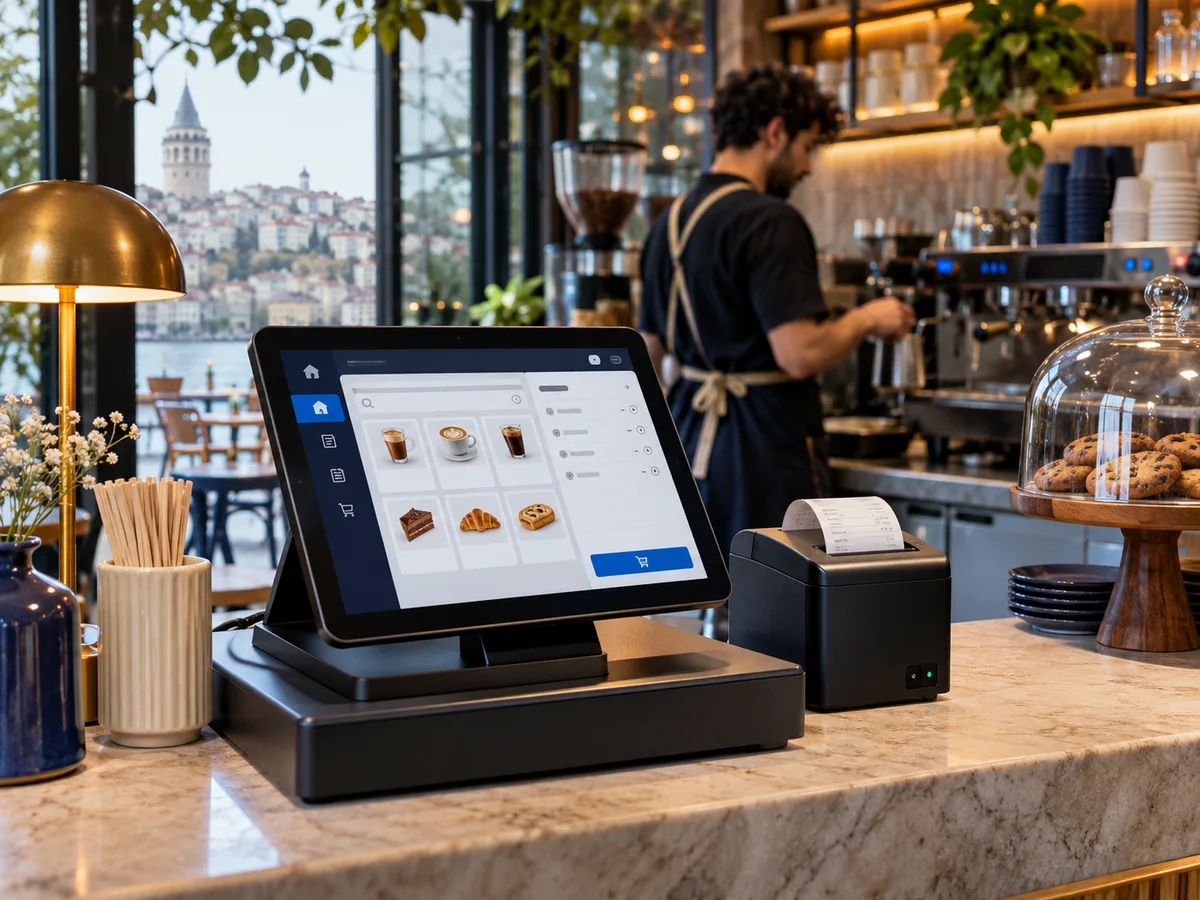
Workspace previewDigital menu

Cafés and restaurants

See industry packages
13

Industries

40

Service packages

12

Ready to use apps

Tools for running your business

  • Business dashboard
  • Social media analytics
  • Video reports
  • Digital menu and orders
  • Income and expenses
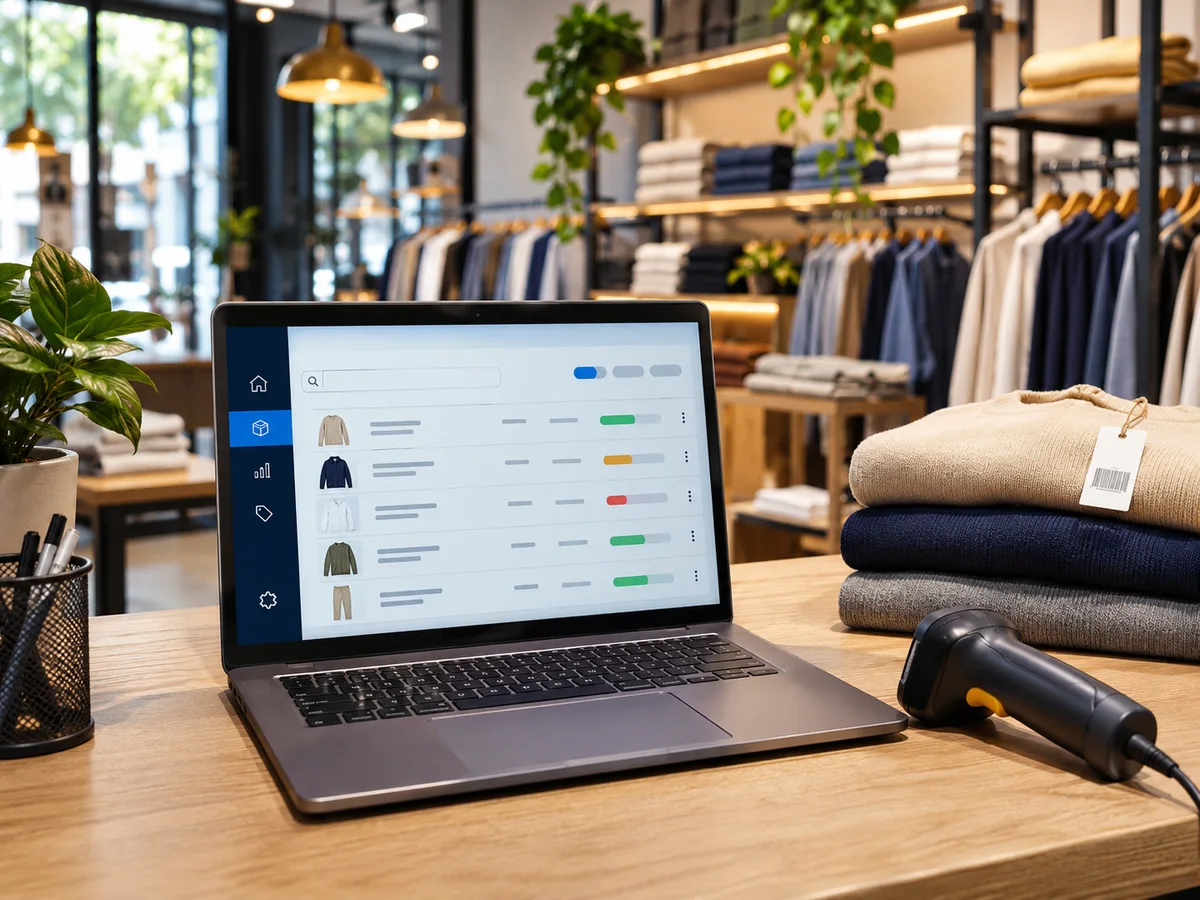
  • Stock and product management
  • Appointments
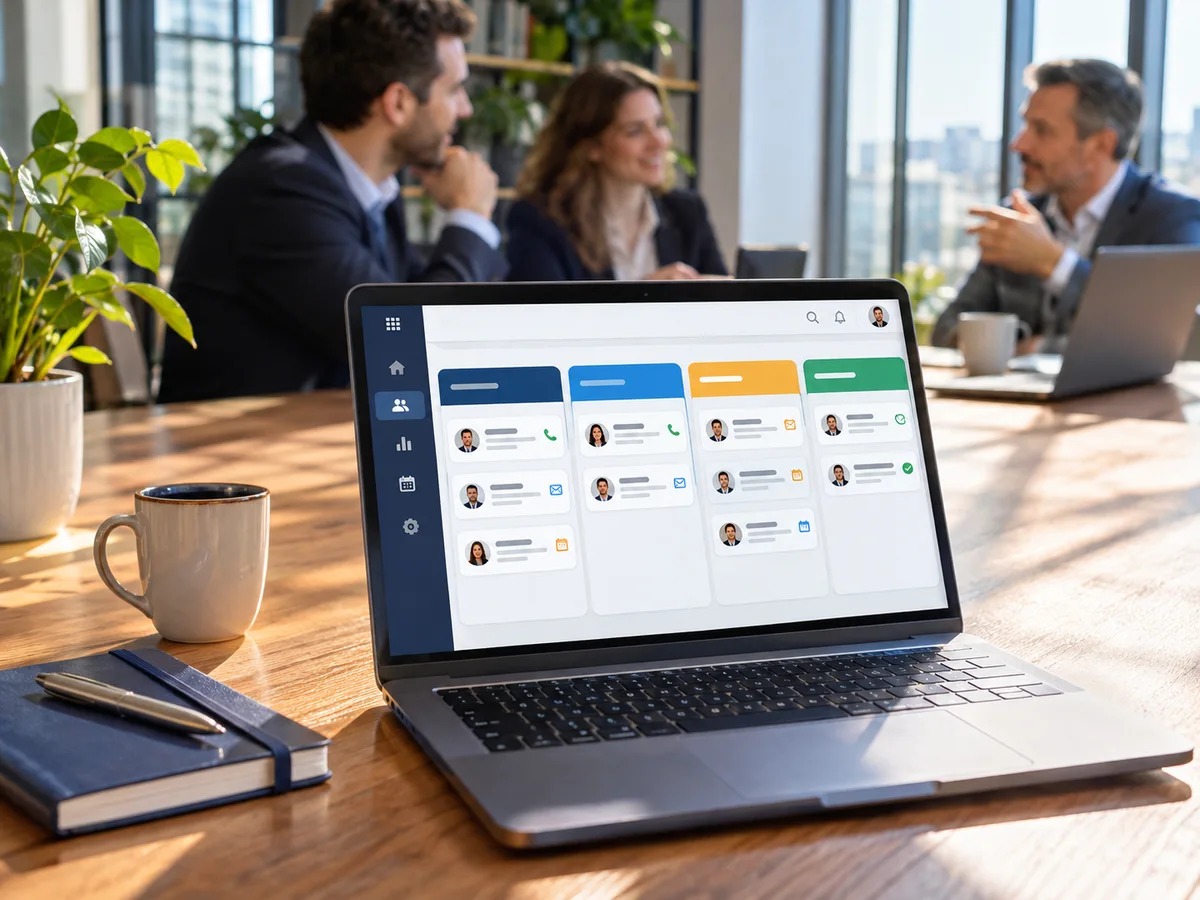
  • Customer management
  • Website planning
  • Project tracking
  • Campaign planning
  • Customer feedback

New package

Campaign spend and conversion dashboard

For agencies and businesses that want to record ad spend, campaign revenue and conversions by channel.

  • Spend
  • Conversions
  • Revenue

TRY 329.00 / month

View package

Find a package for your business

Choose your industry, what you want to manage, and how much you can spend per package.

Featured packages

Software for your industry

Choose an industry to see its software packages.

Ready workflows for listings, client inquiries, viewings and project progress.

Software packages

Filter by industry and billing period, then compare package features.

3 packages
Property and construction
Monthly

Listing inquiry and client tracking

Manage inquiries for sale and rental listings by conversation stage.

  • Client and listing reference
  • Inquiry stage and follow-up record
  • Overview for sale and rental inquiries
TRY 349.00/ month
Property and construction
Monthly

Property viewing calendar

Schedule property viewings, site visits and client meetings.

  • Viewing date and location records
  • Viewing statuses and changes
  • Notes after meetings
TRY 249.00/ month
Property and construction
Monthly

Site tasks and milestones

Track tasks, owners and target dates for construction and handover.

  • Site and work item records
  • Milestone, assignee and delivery date
  • Overview of overdue work
TRY 449.00/ month

Compare packages

From order to access

  1. Choose a package

    Review the features and price for your business.

  2. Chat on WhatsApp

    Use your order reference to request payment instructions.

  3. Open your app

    Use the app in your dashboard once payment is confirmed.

Frequently asked questions

How do I complete payment?

Create your order in the dashboard. The WhatsApp link opens a message with your order reference. Arrange payment with the business. You can open the app once an administrator confirms payment.

Can I use several packages?

Yes. Place a separate order for each package. All approved packages with active access appear in your customer dashboard.

Do apps collect data automatically?

Reporting apps use the records and measurements you enter. Open a package to review what it includes, how you can add data and how often it is billed.